Project VideoFocus
Videos, on your terms.
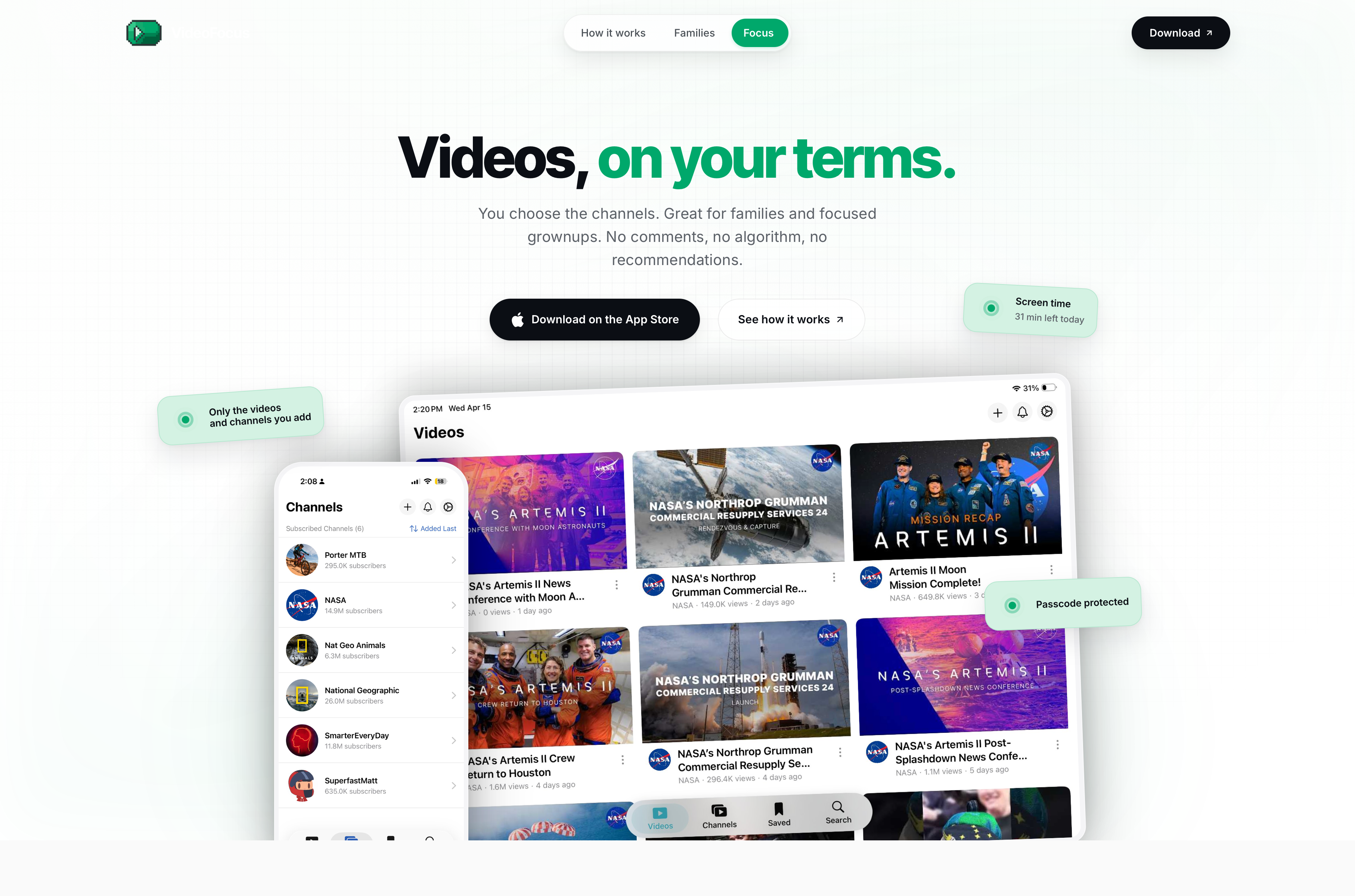
VideoFocus is an iOS player for YouTube built around two ideas: only what you add appears, and screen time you set is screen time the app actually enforces. It is shaped for two audiences at once — families that want a real lockout instead of another negotiation, and grownups who just want a quiet, distraction-free way to watch. There are no comments, no trending tab, no autoplay, and no recommendations.

YouTube without the algorithm
Most YouTube clients optimize for time-on-platform: comments, trending, recommendations, autoplay, infinite scroll. VideoFocus was scoped around the opposite — a player whose entire job is to surface only the channels and videos you explicitly added, in the order you want them, for the amount of time you've decided is reasonable that day. The brief was to make a tool that respects an adult's attention and that a parent can hand to a child without re-negotiating the rules every evening.
A library that looks like a library
The interface is built around a calm, opinionated grid — channels and saved videos rendered as cards, with no surrounding suggestion rails. The marketing site mirrors the app's posture: a soft green wash in the hero and CTA, a pure-white reading band for the family and focus pillars, and a deep near-black slab for the feature grid. Type is set in the native Apple stack so rendering stays crisp on every iPhone and iPad with zero web-font overhead, and the accent system in the footer doubles as a user-selectable theme.
- Type system
- SF Pro Text · SF Pro Display (system stack, no web fonts)
- Brand surface
- Mint #DCF6E9 wash · ink #0A1F14
- Dark surface
- #04130C near-black for the feature slab
- Accent palette
- Green · Indigo · Pink · Red · Orange · Amber (user-selectable)
- Theme modes
- Light, dark, or follow system
Native, focused, single-purpose
The app is 100% SwiftUI on iOS 17.5+, with the YouTube Data API as its only external surface. Everything that happens inside VideoFocus — the library, playlists, watch history, schedule, lockout state, passcode — is local; nothing leaves the device except the read calls needed to fetch metadata and stream video. There are no accounts to sign up for and no extra services bolted on; the experience is intentionally narrow so it can be the same in five years as it is today.
- Platform
- iOS 17.5+, iPhone and iPad
- UI
- SwiftUI · native AVKit-backed playback surface
- Content source
- YouTube Data API (read-only)
- Account model
- None — no sign-up, no profile, no cross-device account
- Orientation
- Portrait and landscape, responsive layouts on both form factors
Three steps. One library.
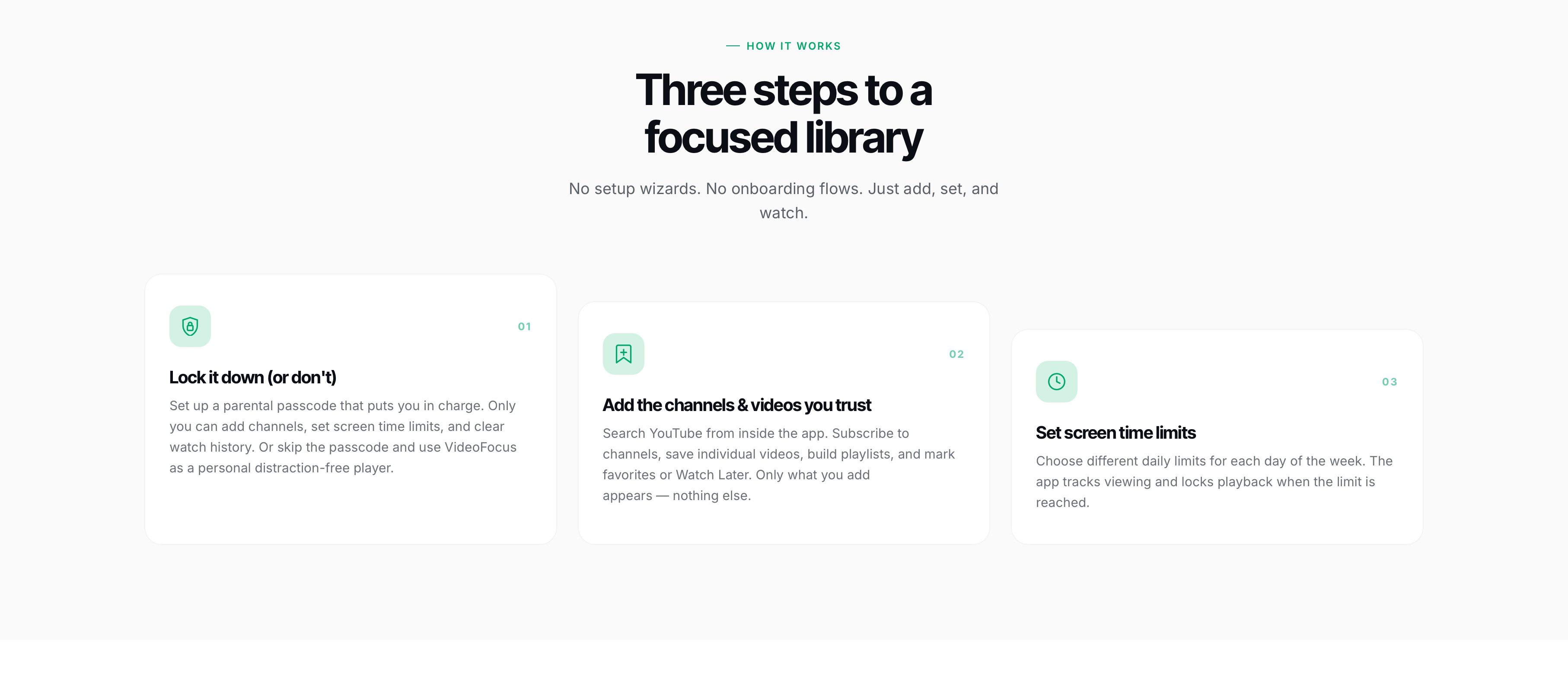
Onboarding is deliberately not a wizard. There are exactly three things to do, in any order: lock the app down (or don't), add the channels and videos you trust, and set the daily time limits. Once those are in place, the home grid behaves like a small private library — and that is the whole product.
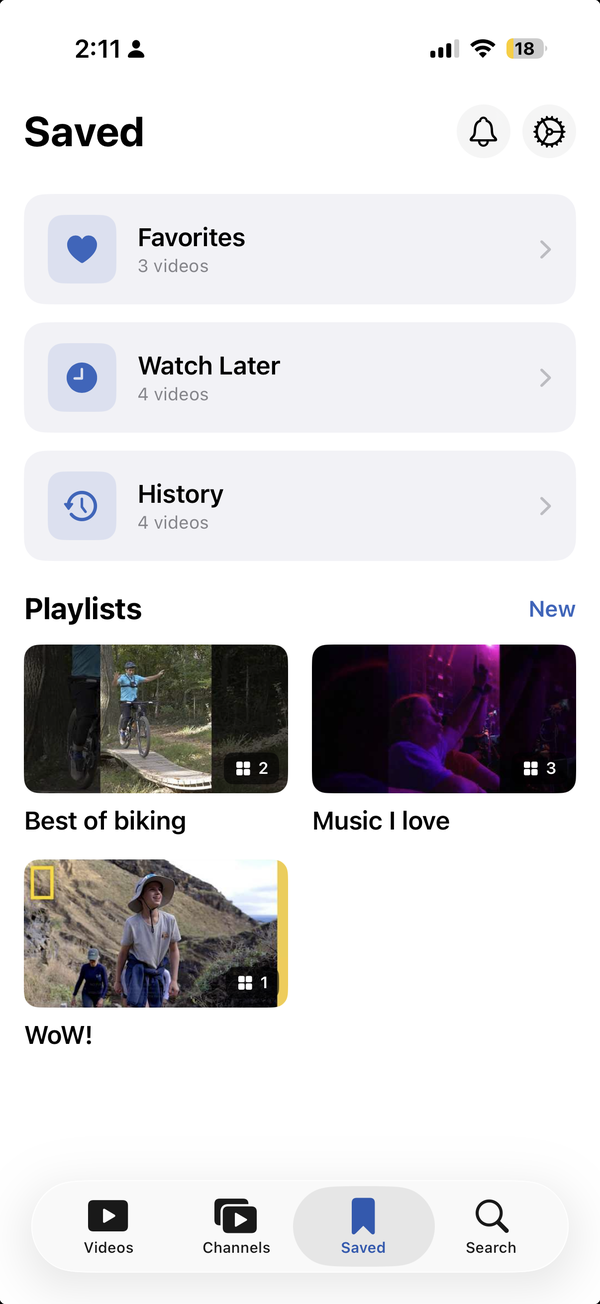
- Channels & Saved — your subscribed channels and saved videos in a clean grid, with playlists, favorites, watch later, and history alongside
- Search — search YouTube by title or channel from inside the app, with voice search; nothing appears in the library until you explicitly add it
- Player — native playback with no ads UI, no sidebar, no recommended-next strip, no comments
- Schedule — a per-day weekly time budget with a 90% warning and a hard lockout at 100%
- Settings — the passcode, theme, accent color, and limits live behind one screen — and behind the passcode if you set one
Screen time you can actually enforce
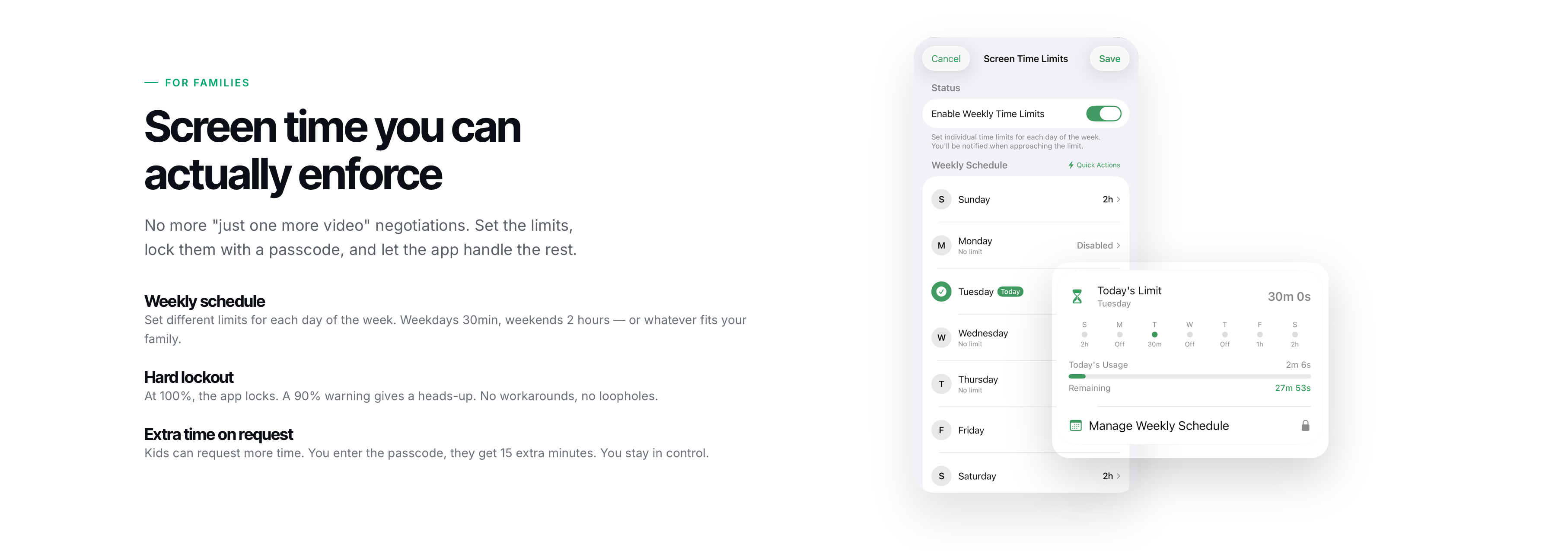
The screen-time model is the part most other 'kid-safe' YouTube apps quietly skip. VideoFocus treats the daily budget as a real lock: at 100% the app stops playing, full stop, and there is no in-app workaround. The 90% warning is the only soft signal. A child can request more time from the lockout screen, but unlocking it requires entering the 4-character passcode in person — so the negotiation happens once, between the people in the room, instead of recurring all evening.
- Weekly schedule — set independent limits for each day (e.g. 30 min on weekdays, 2 hours on weekends)
- Hard lockout at 100% — playback stops, the library locks, no workarounds
- 90% warning — a single heads-up so it isn't a surprise
- Extra time on request — passcode unlocks 15 additional minutes, on demand
- Passcode-protected settings — only the passcode-holder can change channels, limits, or clear history
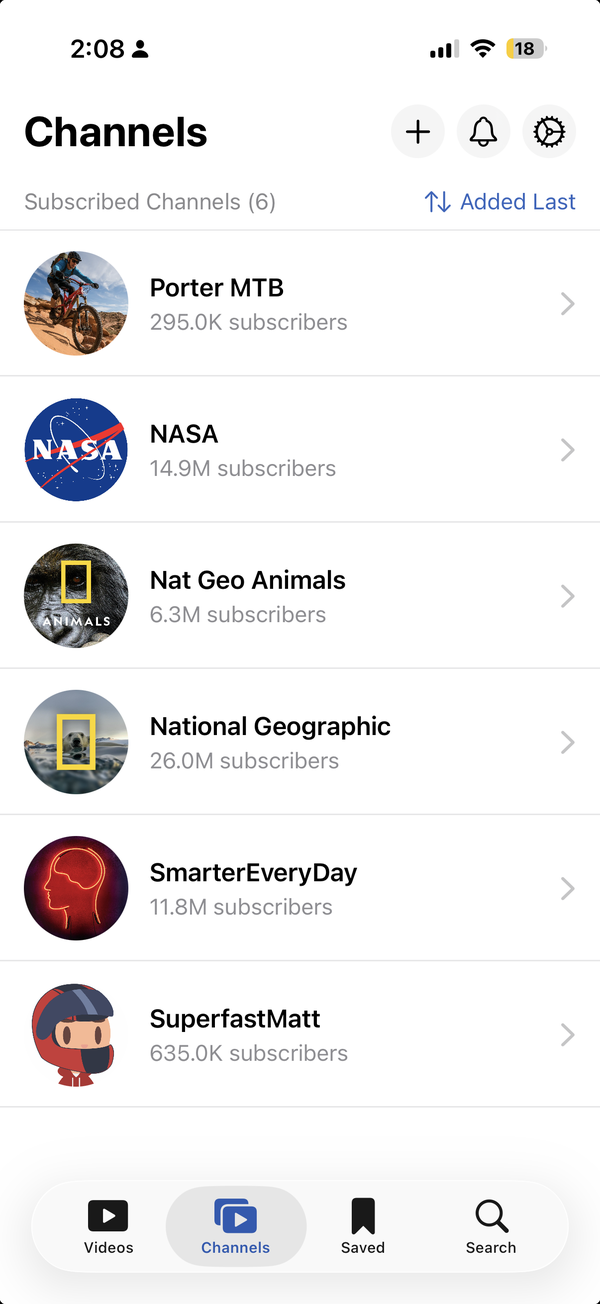
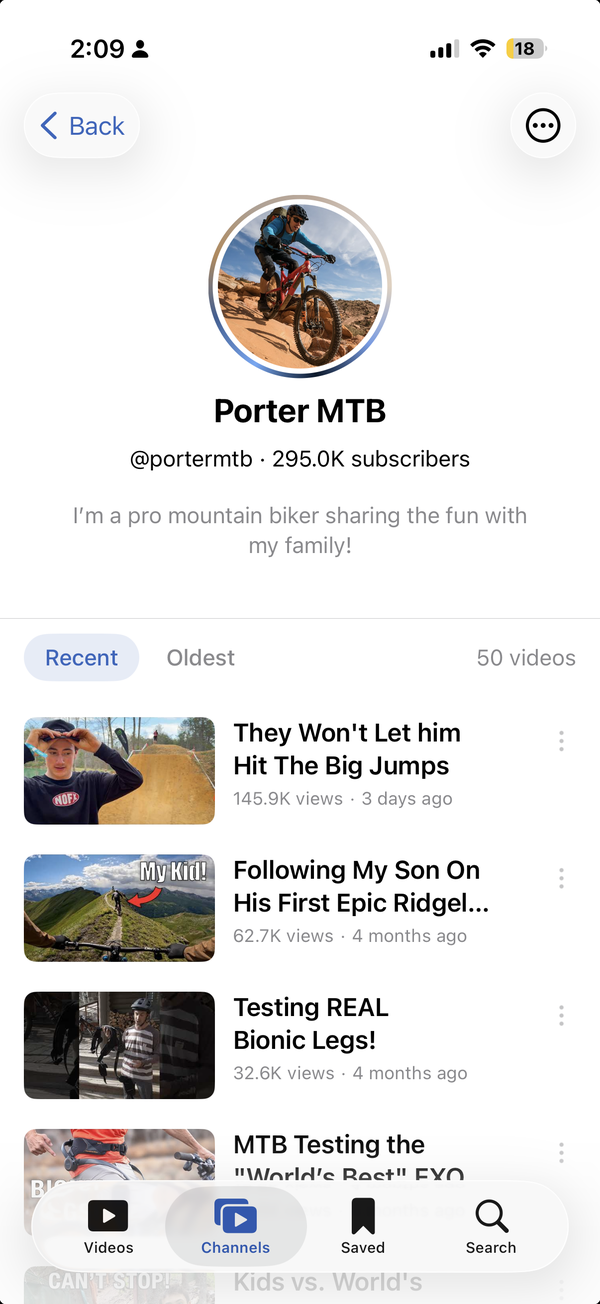
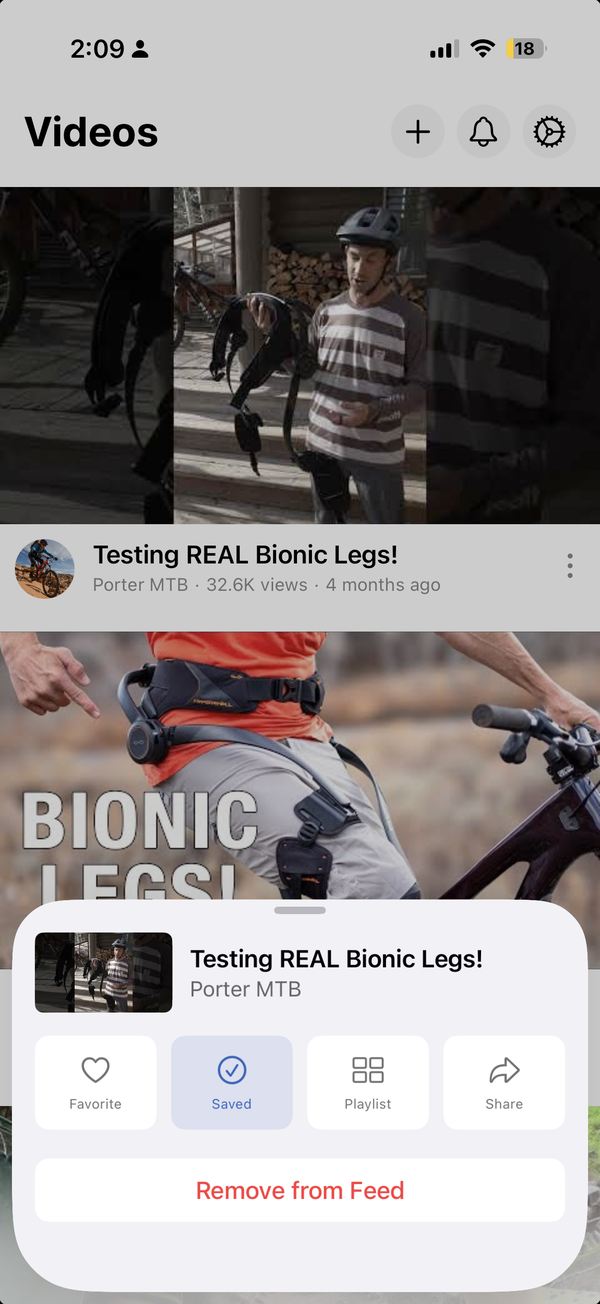
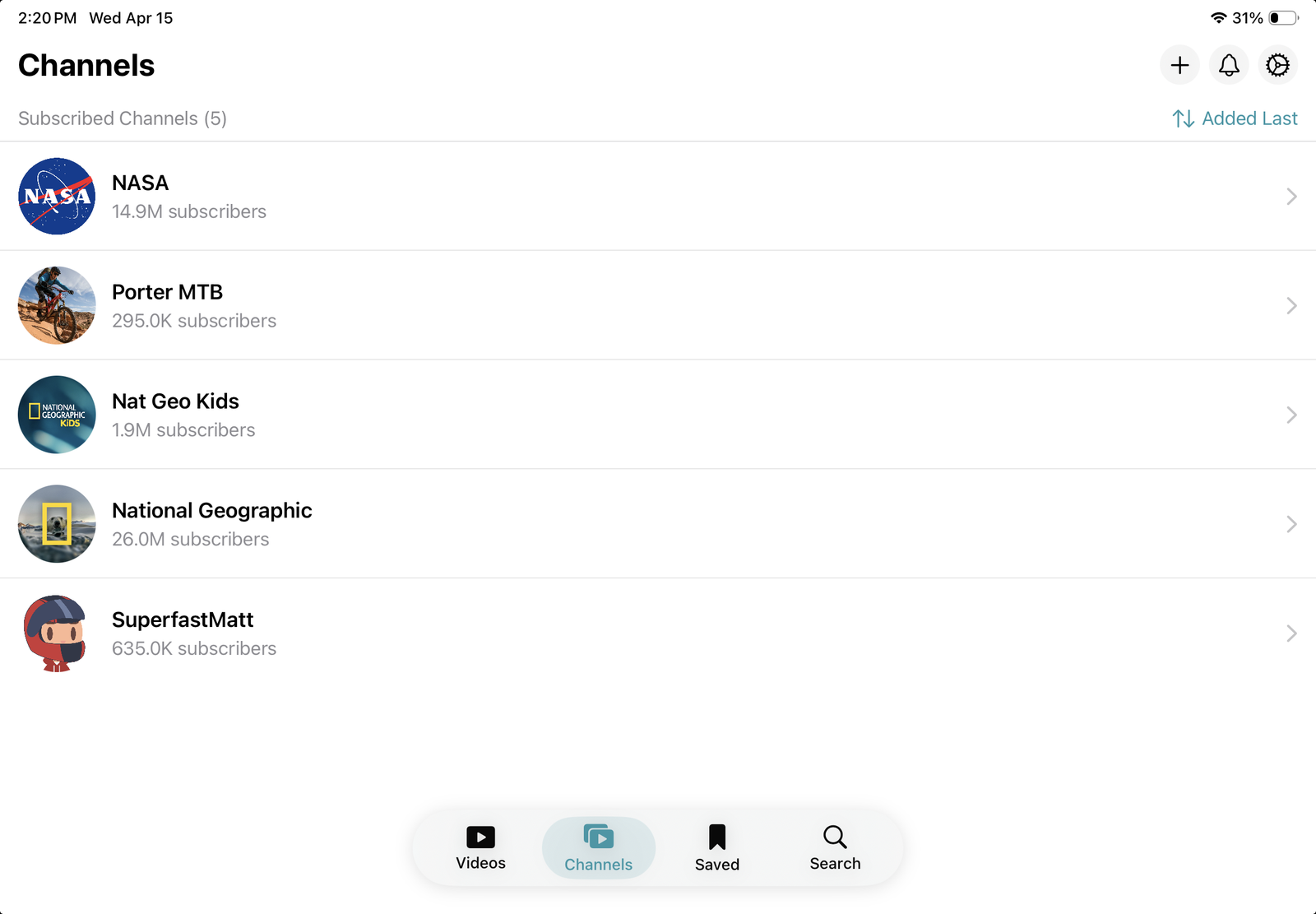
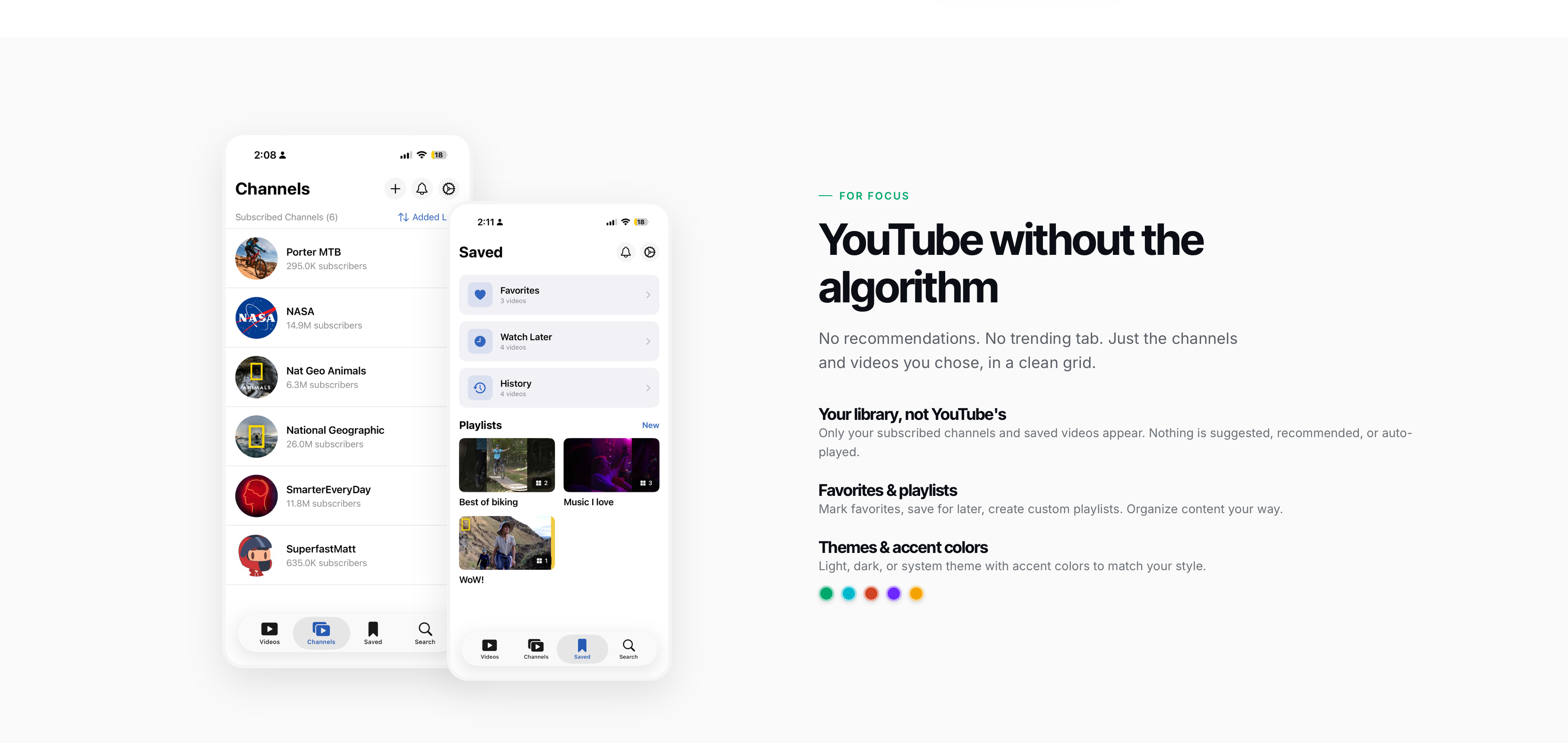
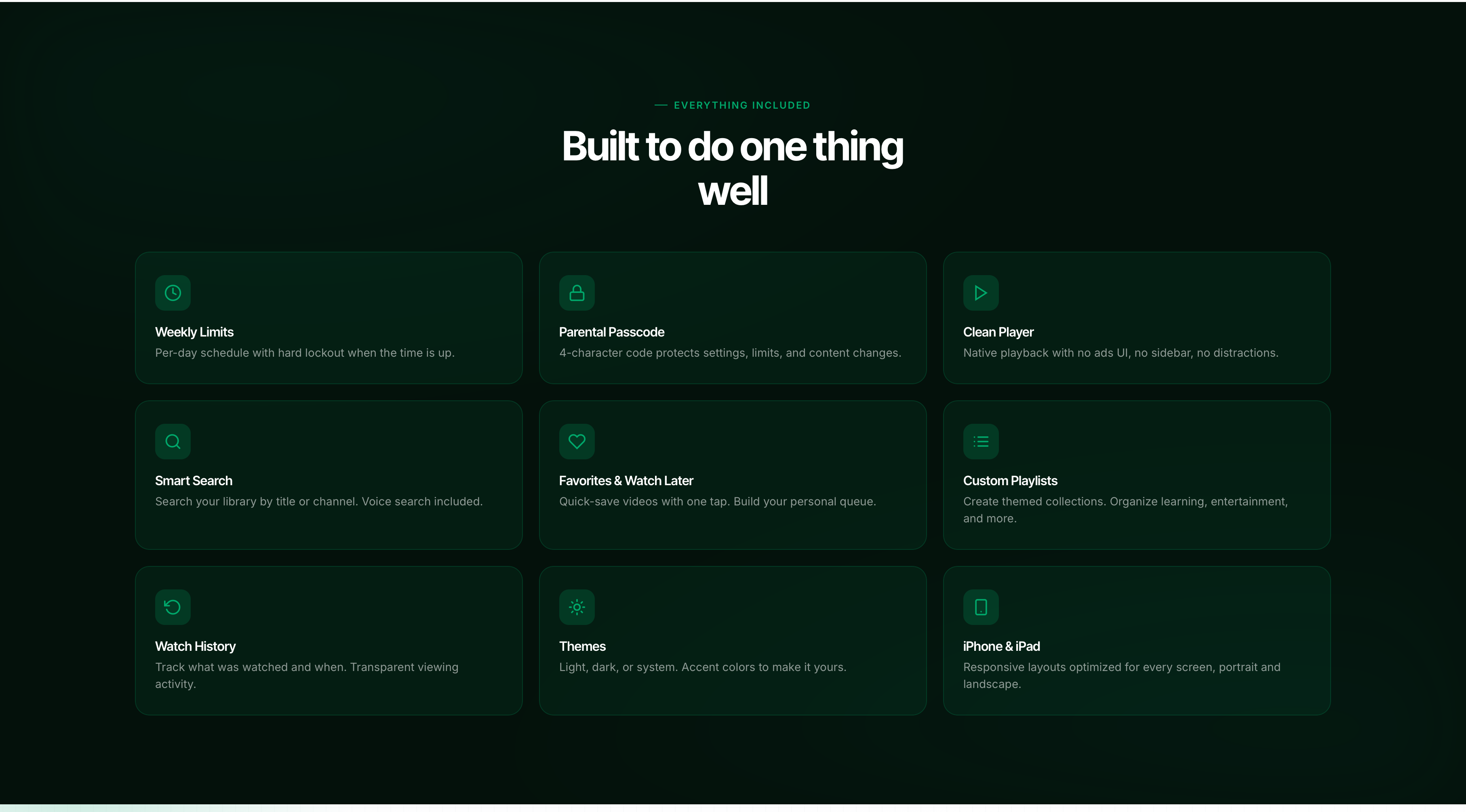
- Subscribe to channels, save individual videos, build playlists — only what you add appears
- Per-day weekly schedule with hard lockout when the daily limit is hit
- 4-character parental passcode gates settings, limits, and content changes
- Extra-time-on-request flow — kids ask, you approve, they get 15 more minutes
- Clean native player — no ads UI, no sidebar, no autoplay, no comments
- Search YouTube from inside the app, with voice search included
- Favorites, Watch Later, custom playlists, transparent watch history
- Light, dark, or system theme with selectable accent colors
- Responsive layouts tuned for both iPhone and iPad, portrait and landscape