
Project PodFocus
Your picks. Their library.
PodFocus flips the usual kids-media model: instead of an algorithm deciding what plays next, the parent picks every show — and kids get complete freedom inside that hand-picked library. Each kid gets their own profile with favorites and listening history; parents get a PIN-locked parent zone with daily time limits. Episodes download for offline listening, it works with CarPlay, and the whole family stays in sync across devices — including a QR-code setup that sends a kid's profile to their own iPad. Live on the App Store, free, with no ads, no subscription, and a 'Data Not Collected' privacy label.
View_on_App_Store ↗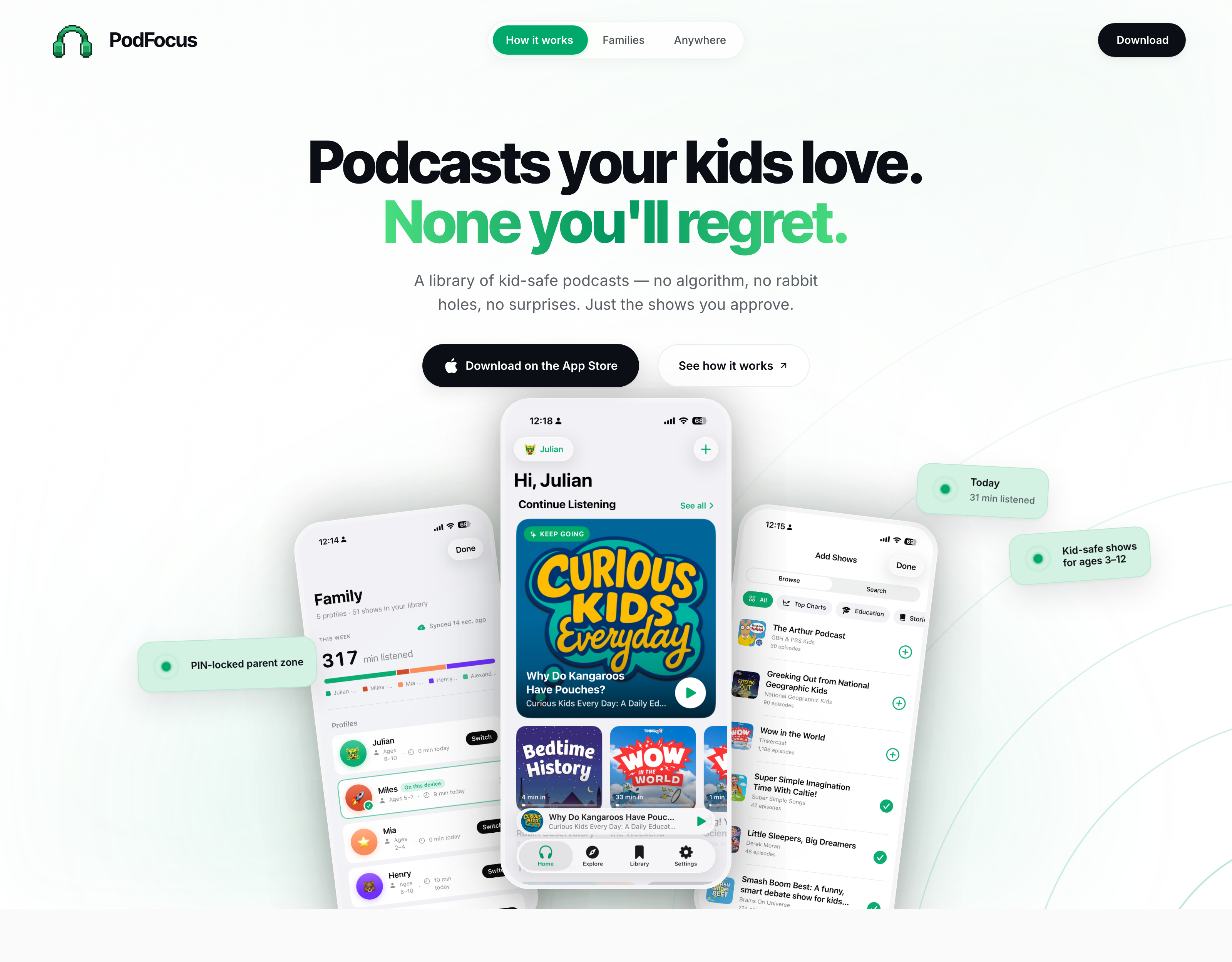
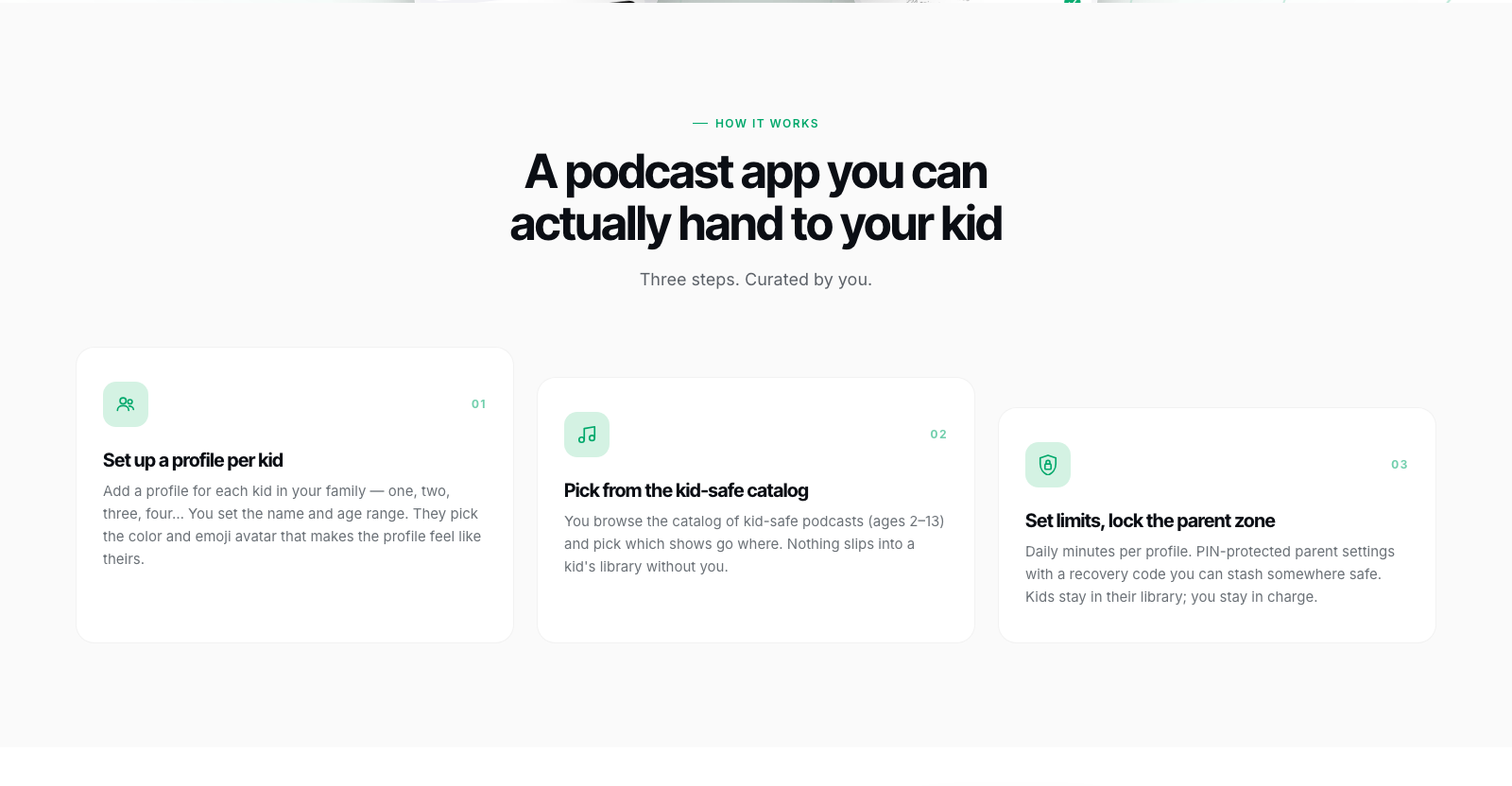
A podcast app you can actually hand to your kid
PodFocus exists because no podcast app felt safe to hand a kid: every mainstream player ships an algorithm, autoplay, and a feed full of surprises. The brief was the opposite — the parent approves every show, and the kid gets complete freedom inside that library. No recommendations, no rabbit holes, nothing in the feed a parent didn't put there. It launched free with every feature included: no subscription, no in-app purchases, no ads.
Calm for parents, playful for kids
The app leans on the native Apple type stack and a single confident emerald accent, so it reads as a trustworthy utility to parents — while each kid makes their profile theirs with a color and emoji avatar that follows them across every screen. The marketing site mirrors the split: a soft green-washed hero and white reading bands for the parent pitch, and a deep emerald slab for the feature grid.
- App type system
- SF Pro (system stack)
- Site type system
- Inter · Inter Tight
- Accent
- Emerald #00A86B · deep #007449 · wash #D4F2E3
- Dark surface
- #04110B near-black footer · emerald feature slab
- Kid personalization
- 10 avatar colors · emoji avatars · light, dark, or system theme
Two sync paths, zero servers
The app is 100% SwiftUI on SwiftData, with CloudKit handling everything that crosses a device boundary. Same-Apple-ID devices sync automatically through the family's private CloudKit database. Sending a profile to a kid's own iPad — a different Apple ID — runs on CloudKit sharing (CKShare) with a QR-code join flow, so the kid's library follows them while the parent zone stays only on the parent's device. There is no PodFocus backend: no accounts, no server, and nothing for the developer to see.
- Platform
- iOS 26.2+, iPhone and iPad
- UI
- SwiftUI · AVFoundation playback · CarPlay
- Persistence
- SwiftData with CloudKit-backed sync
- Cross-Apple-ID
- CKShare profile sharing with a QR-code join flow
- Audio
- Background play, lock-screen, AirPods, CarPlay
- Servers
- None. No accounts, no analytics, no third-party SDKs
The parent zone
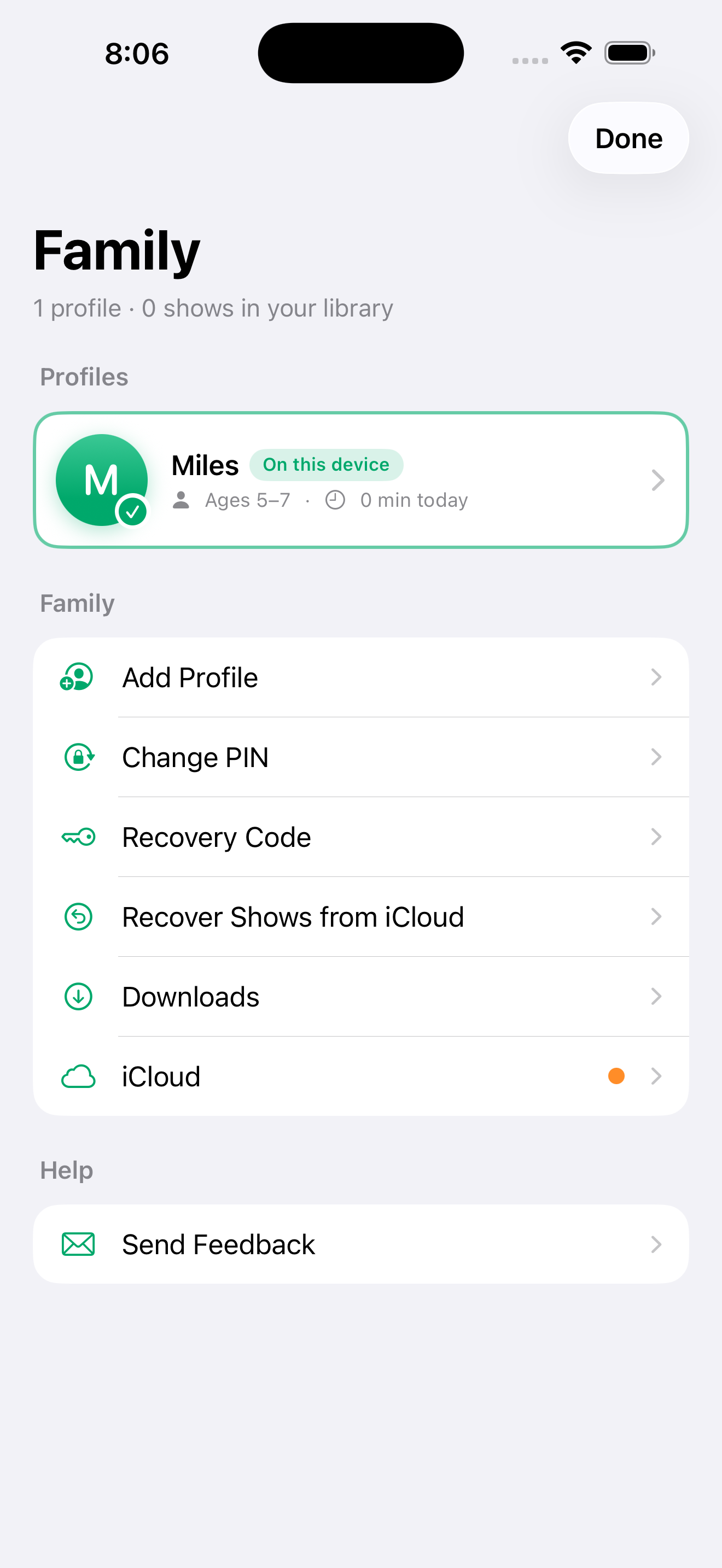
Everything that matters sits behind a 4-digit PIN — with a recovery code for the day it's forgotten. Kids stay inside the library that was built for them; parents keep an honest picture of what's actually being listened to.
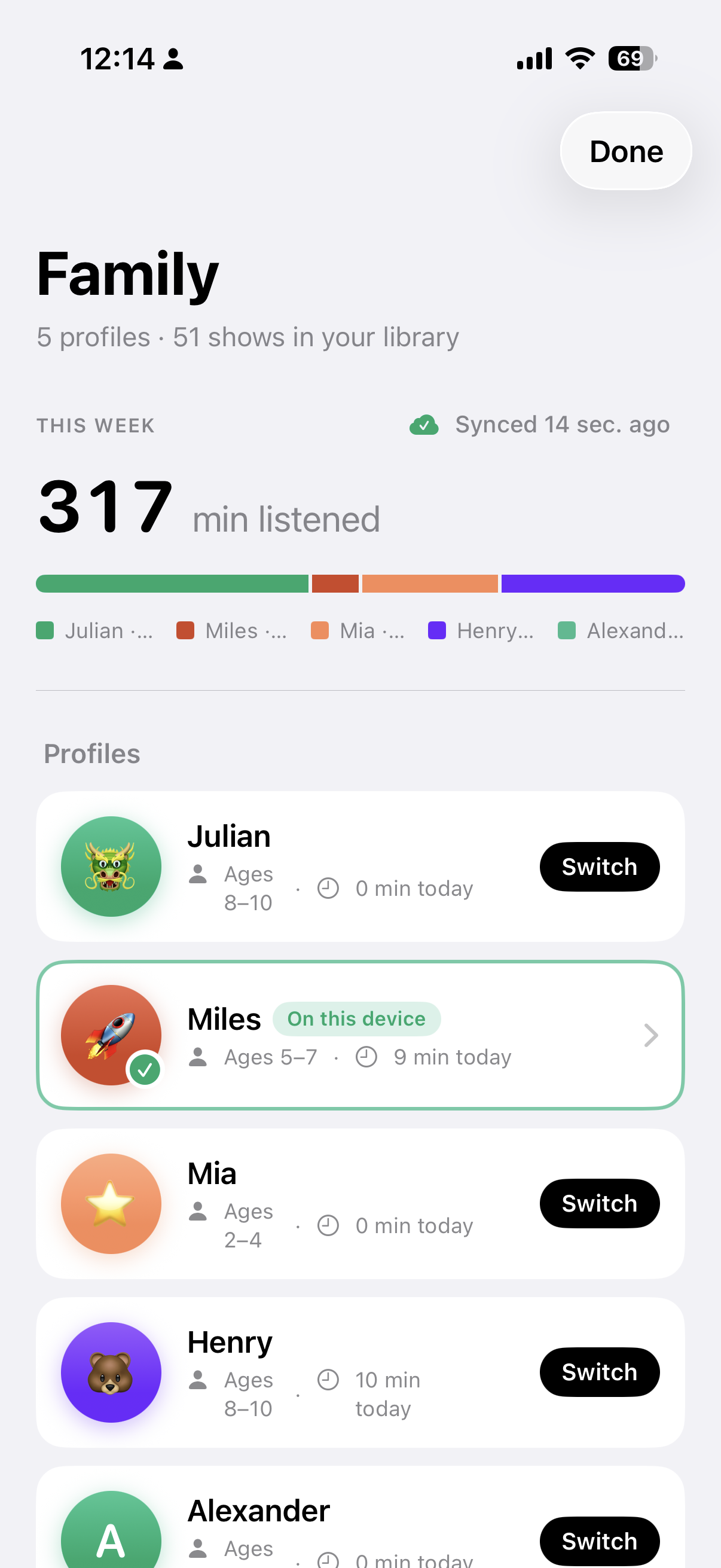
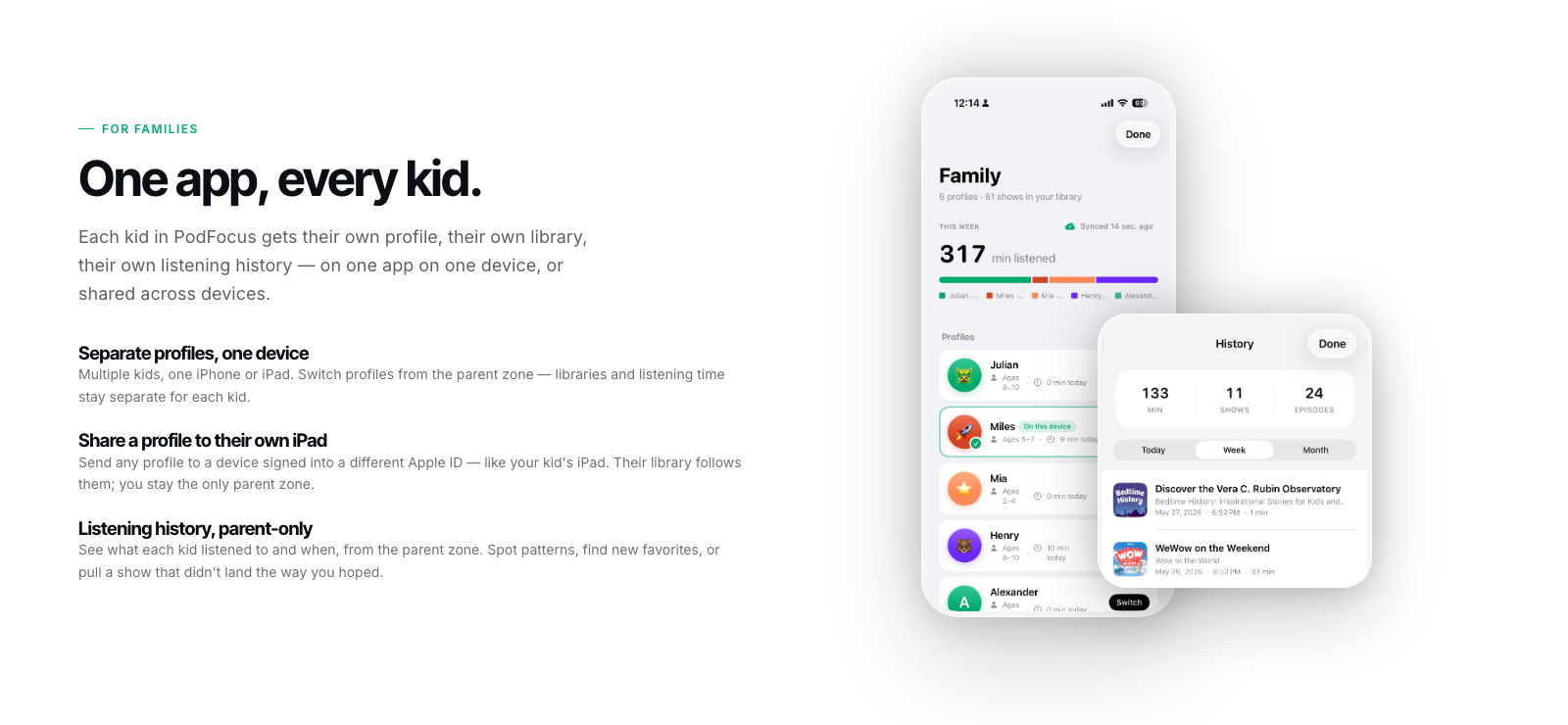
- Family dashboard — every profile with its age range, minutes listened today, and a weekly per-kid breakdown
- Daily time limits — set the minutes per child; today's listening is visible at a glance
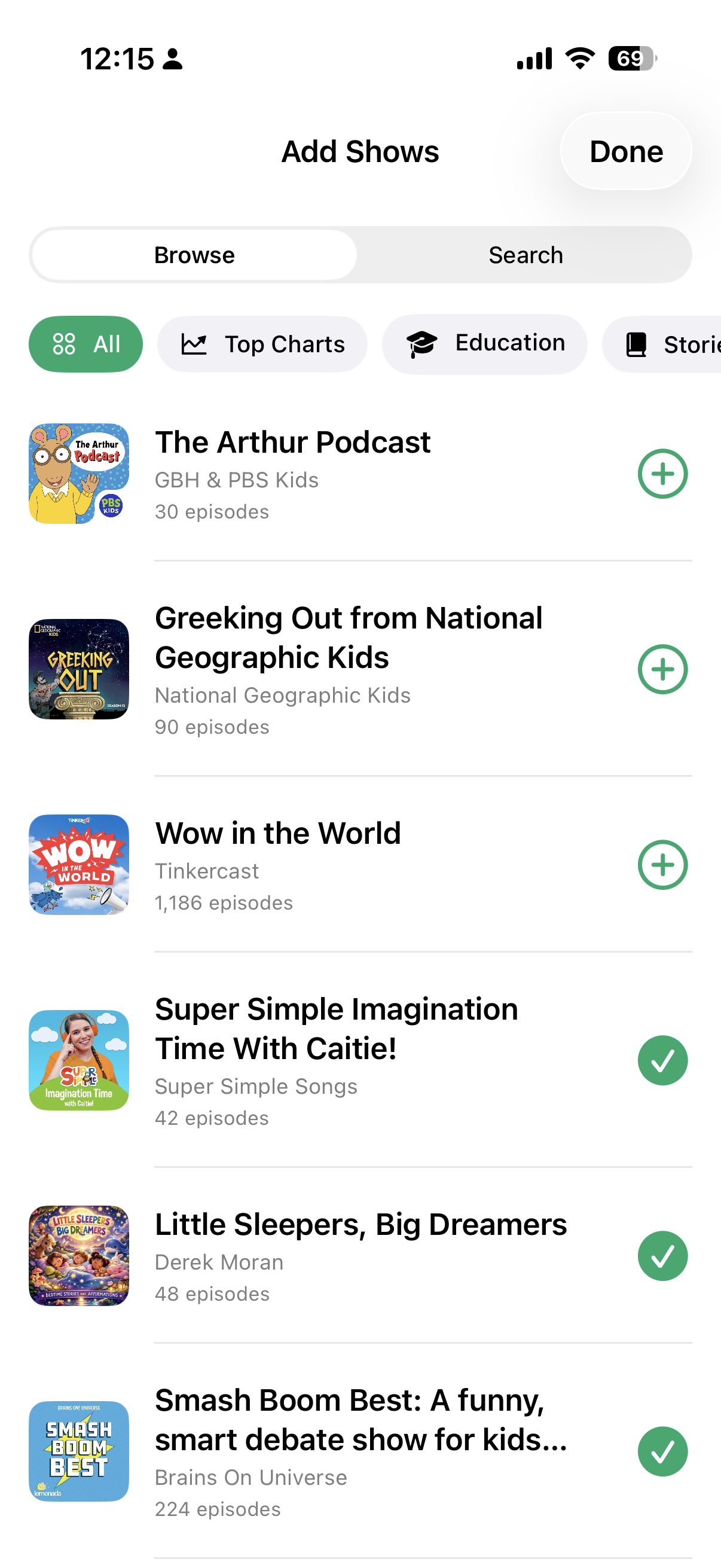
- Add Shows — browse the curated catalog by category or search it, and choose which shows land in which kid's library
- Parent-only listening history — see what each kid listened to, and when
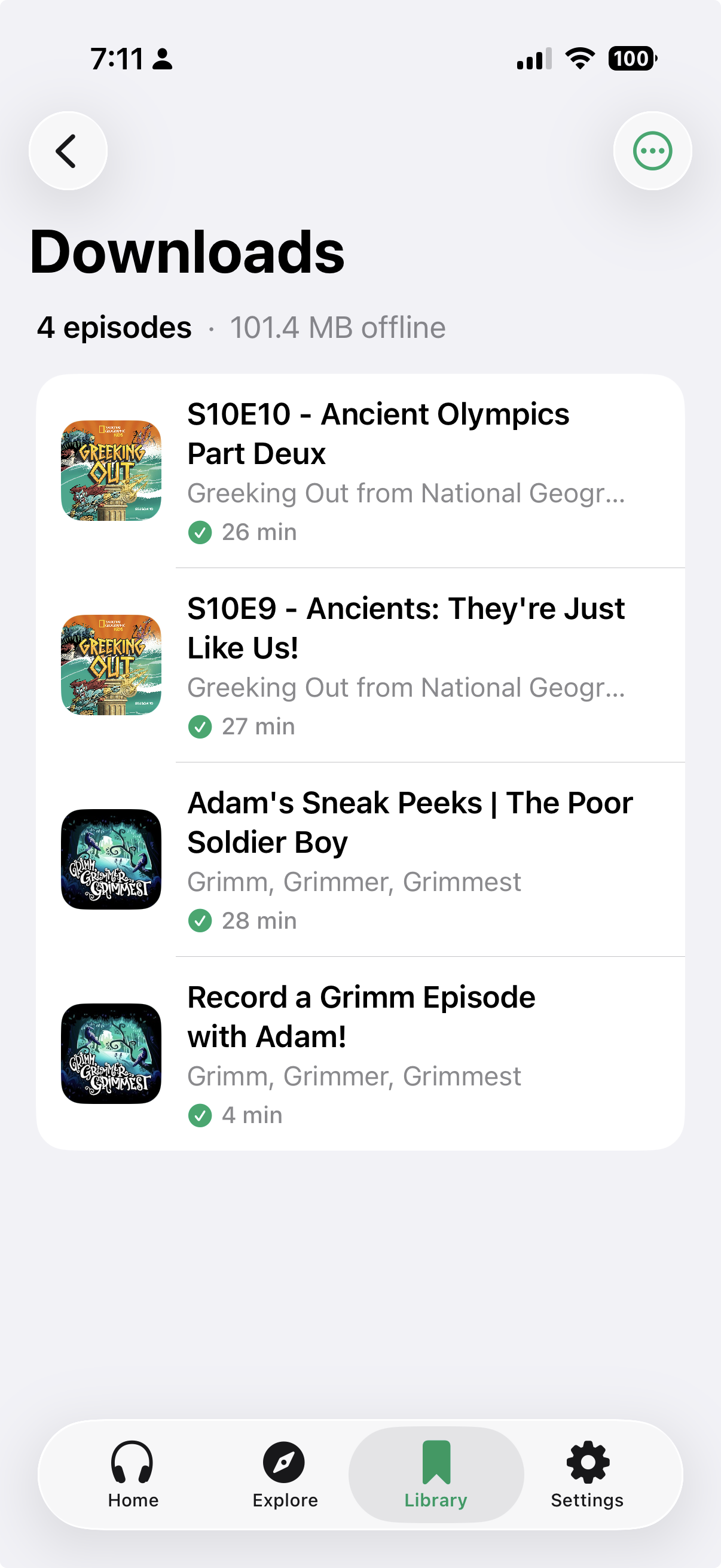
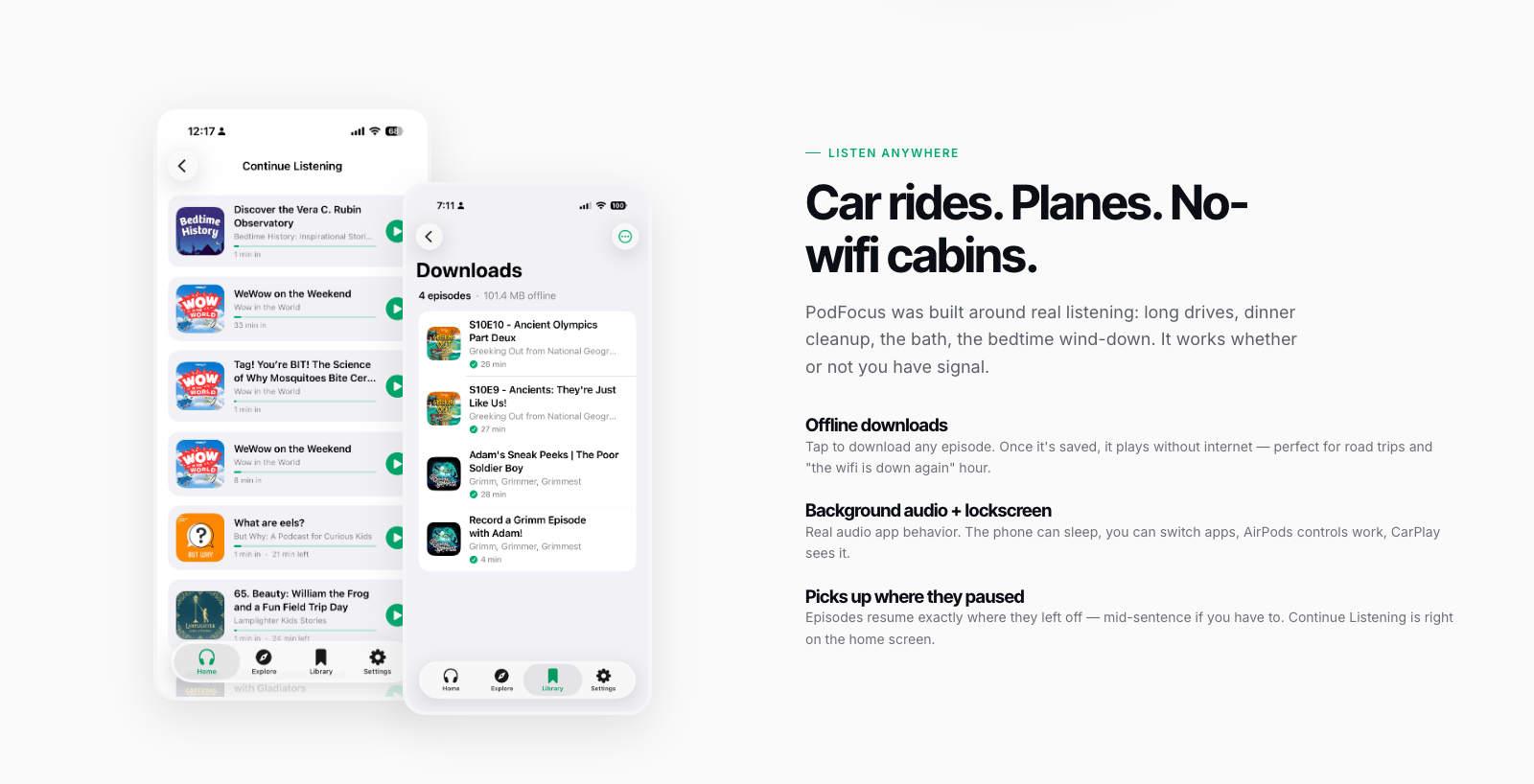
- Downloads managed per family — saved episodes play with no signal at all
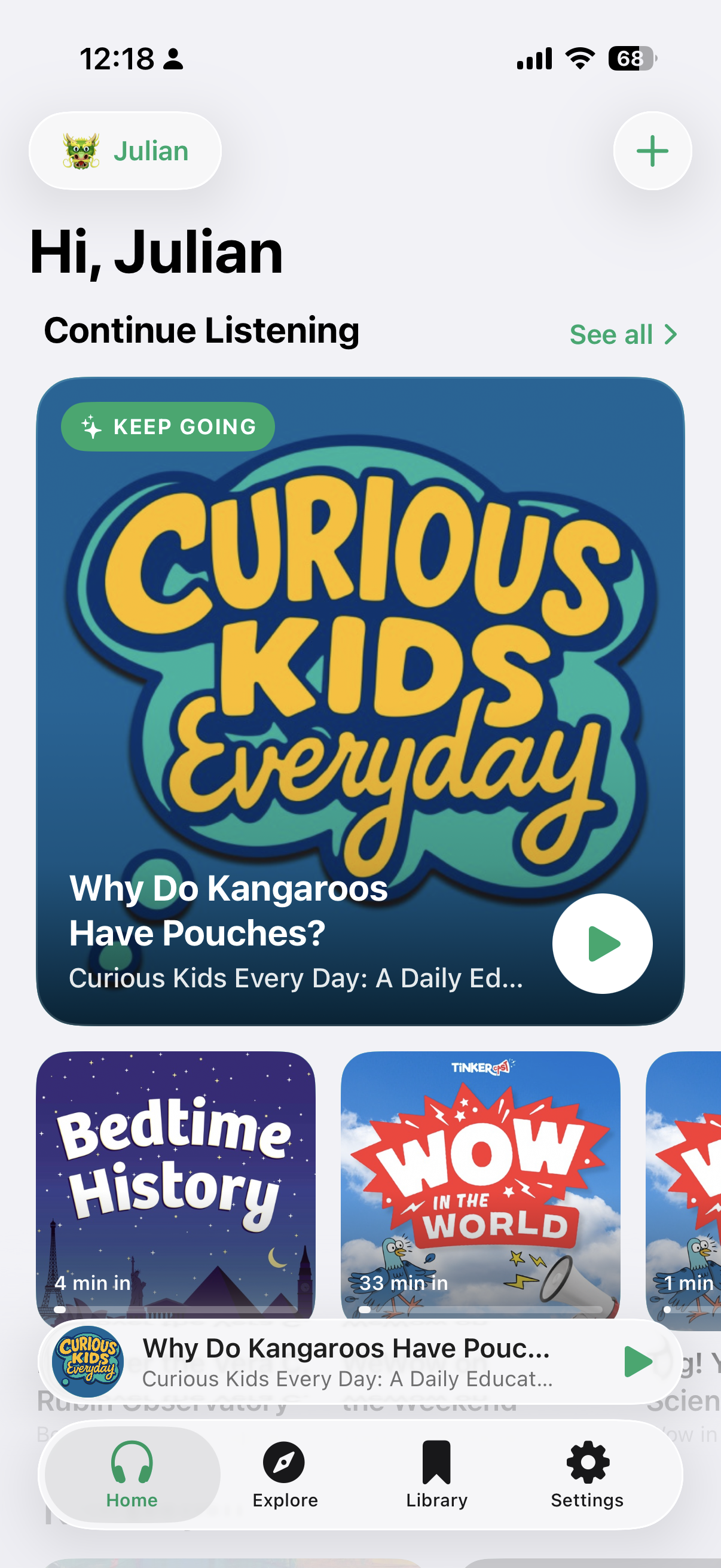
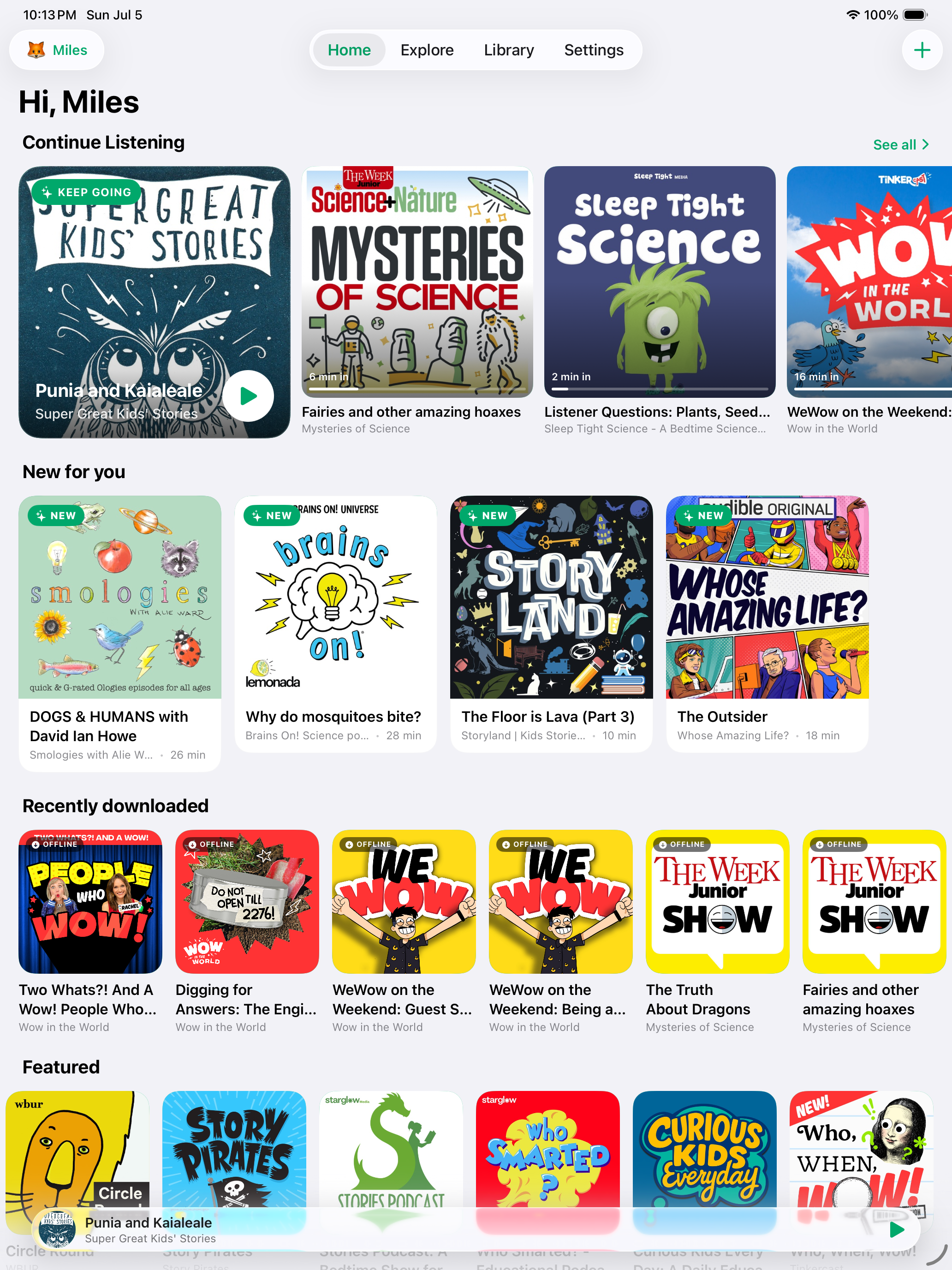
- Continue Listening — episodes resume exactly where the kid left off, even days later
Data Not Collected
The App Store privacy label is literal: PodFocus has no ads, no third-party tracking, no analytics, and no account to create. The family's profiles, libraries, and listening history live in their own iCloud — the developer never collects or sees them. For an app made for kids, that posture is structural, not a settings toggle.
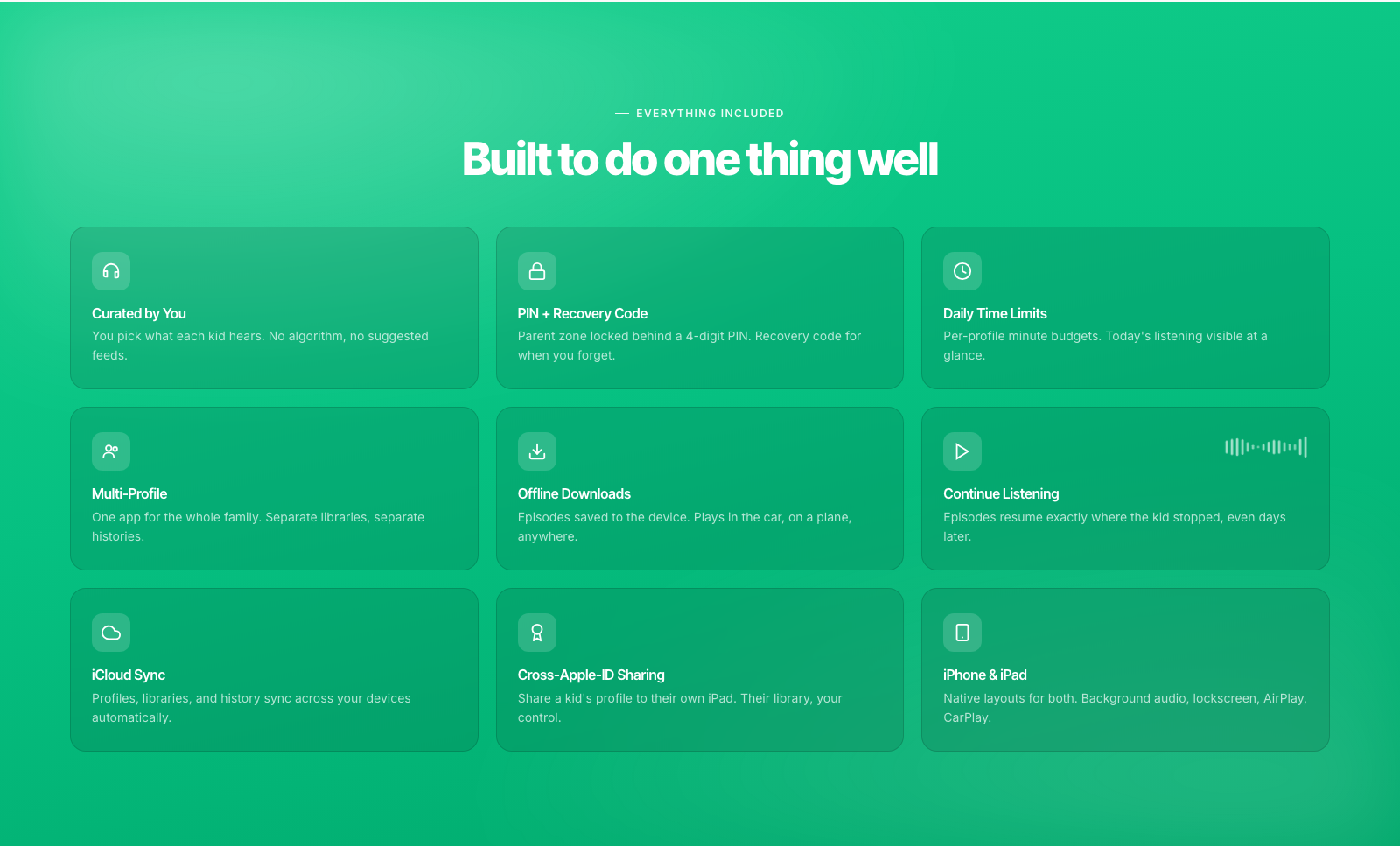
- Curated, kid-safe catalog — hand-picked shows across science, stories, history, music, and more, for ages 3–13
- A profile for every kid — separate libraries, favorites, and listening history, with a color and emoji avatar they pick themselves
- PIN-locked parent zone with a recovery code — settings, time limits, and content changes stay with the grown-ups
- Daily time limits per profile, with today's listening visible at a glance
- Offline downloads for the car, the plane, or the no-wifi cabin
- Real audio-app behavior — background play, lock-screen and AirPods controls, and CarPlay
- Share a profile to a kid's own iPad — even on a different Apple ID — via a QR-code join flow
- iCloud sync — profiles, libraries, and history follow the family across devices